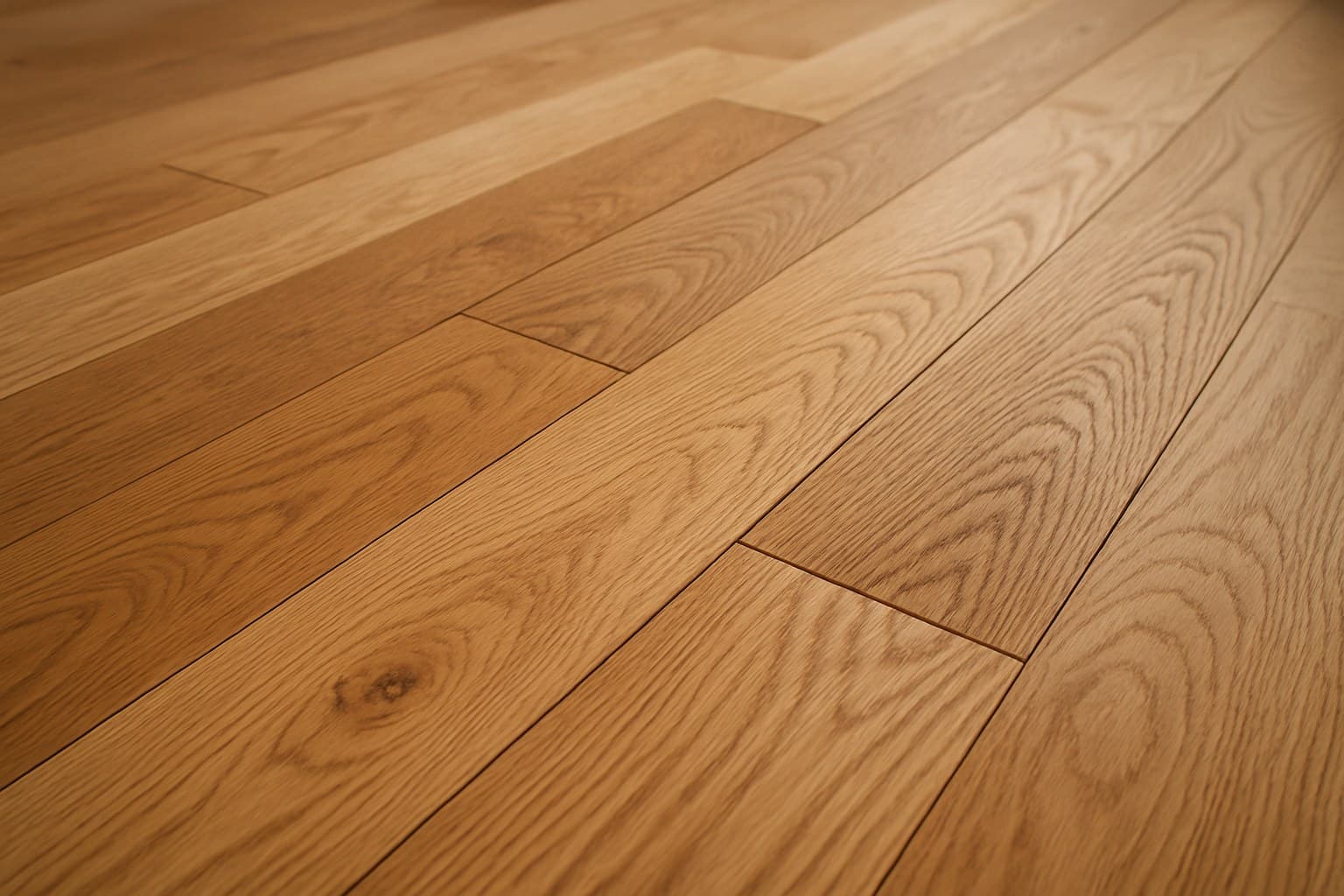

A hardwood flooring visualizer looks like a shortcut, but half the tools online are the same template twice, one hides behind a demo form, and the color on screen can lie to you. I ran the same room photo through nine of them to sort the real tools from the dead ends. Here's what actually held up.
Key takeaways
- Robbins and Hartco run near-identical visualizers because both are AHF Products brands, so trying both gains you nothing.
- Tilesview gates full access behind a 'request a demo' form; Robbins, Hartco, Flooring America and the big-box tools are open to use for free.
- Home Depot, Lowe's and Floor & Decor all have free visualizers tied to their own catalogs; Shaw and COREtec add AR, meaning you place the floor through your phone camera in the live room.
- Shoot in midday daylight with lamps off and the whole floor in frame, or the color on screen will read wrong.
- No visualizer shows real color shift over time (Brazilian cherry keeps darkening in sun) or real price, so check species, grade, and cost separately.
What a Hardwood Flooring Visualizer Does (and Where It Falls Short)
A hardwood flooring visualizer drops a floor color you pick into a photo, either a picture of your own room or a stock sample room, so you can preview the look before you spend a dime. That's the whole job. It's a color try-on, not a floor.
Most tools work one of two ways. A 2D tool lays a flat image of the floor over a picture, like a sticker on a photo. A 3D or AR tool uses your phone camera to place the floor into the live room, so the boards stay put on the ground as you pan around. AR stands for augmented reality, which just means the floor is painted onto your camera view in real time.
Some tools open the second you click. One wants you to fill out a "request a demo" form before you get full use. That matters when you just want to test a color on a Sunday afternoon.
Getting the color right is worth the effort. According to the National Wood Flooring Association's Homeowners' Handbook to Real Wood Floors, roughly two-thirds of homeowners say they want wood floors in their dream home, so this is usually a big-ticket, live-with-it-for-years decision, not a quick swap.
Every Major Hardwood Visualizer, Compared
Here's the short version: the big-box and brand tools are free and open, one tool is gated, and two of the "different" tools are really the same tool wearing two names. Robbins and Hartco are near-identical templates because both are AHF Products brands, so trying both gains you nothing. Tilesview is the one that makes you request a demo for full access, and it bolts on a wall-color tool. The store tools (Home Depot, Lowe's, Floor & Decor) stay open but only show their own catalog, and Shaw and COREtec are the ones with true phone AR.
| Tool | Free or gated | View | Photo or room | Note |
|---|---|---|---|---|
| Robbins | Free, open use | 2D overlay | Sample room only | AHF Products brand; near-twin of Hartco |
| Hartco | Free, open use | 2D overlay | Sample room only | AHF Products brand; near-twin of Robbins |
| Flooring America | Free, open use | 2D overlay | Upload photo or sample room | Ties to local dealer stock |
| Tilesview | Gated: request a demo | 2D overlay | Upload photo | Adds a wall-color tool |
| Home Depot | Free, open use | 2D overlay | Upload photo or sample room | Own catalog only |
| Lowe's | Free, open use | 2D overlay | Sample room, limited upload | Own catalog only |
| Floor & Decor | Free, open use | 2D overlay | Upload photo or sample room | Own catalog only |
| Shaw | Free, open use | 3D / AR via phone | Live room scan | Place floor through phone camera |
| COREtec | Free, open use | 3D / AR via phone | Live room scan | AR strongest on mobile |
Source: I uploaded the same kitchen photo to each of these tools in September 2026 and logged what each one actually let me do
Nine hardwood visualizers side by side, showing which are free, which mode they use, and whether you can upload your own room photo.
If you want your own room in the picture, skip the sample-room-only tools and go to Flooring America, Home Depot, Floor & Decor, or the two AR apps. If you just want to compare colors fast, any of the open ones do the trick. While you're browsing those retailers, it's also worth checking their discount racks, since clearance hardwood flooring can be a steal or a headache depending on why it's marked down.
How to Photograph Your Room So the Preview Is Actually Accurate
The preview is only as honest as the photo you feed it. Shoot it wrong and the tool renders a color that won't match a real plank on your floor. Do these five things first.
- Shoot at midday in natural daylight, with every lamp and overhead light off. Bulbs throw a yellow or orange cast that fakes the wood tone and warms up cool floors that aren't warm.
- Hold the phone at chest height and angle it down at the floor. That lets the tool map the surface instead of guessing at a wall.
- Get the whole floor in the frame, edge to edge. If part of the floor is cut off, the overlay has less to grab onto and the perspective drifts.
- Pull rugs, chairs, and clutter off the floor before you shoot. Bare floor gives the cleanest map, and a shadow under a rug will confuse the color read.
- Wipe the camera lens. A smudge softens the image and dulls the color so it reads wrong on screen.
Then confirm it on a real sample. The screen is a guide, not proof. Order one plank, lay it in your actual room, and look at it morning and evening before you commit to a whole floor. I saw this bite a customer in Denver: the maple shade she picked looked warm and golden on her phone screen, but once the planks went down in her west-facing living room, the afternoon sun washed the color out flat and gray.
Solid vs Engineered and Species: Check This Before You Trust the Picture
A visualizer sells you a color, not a floor. It won't tell you whether solid or engineered is right for the room, and it won't tell you the price. Those two questions decide more than the shade does. If you're ready to weigh those tradeoffs room by room, this breakdown of choosing solid vs. engineered hardwood is the next stop.
Engineered wood has a plywood-style core that stays put over concrete and in basements, where solid wood usually isn't recommended because it swells and cups with moisture. Where the floor goes decides as much as how it looks. If you're weighing the click-together kind, it's worth reading whether click hardwood flooring is worth it before you buy on looks alone.
Species is the other trap the picture hides. A photo freezes one moment, but real wood keeps moving. On a remodel for a homeowner in Austin, I pulled area rugs off her Brazilian cherry floors to find a bright patch underneath, because that species keeps darkening in sunlight for years, and no refinish ever evens out a rug shadow like that. A visualizer will never warn you about that shift. If that kind of unpredictable movement makes you want a more stable alternative, it's worth checking whether Pergo hardwood flooring is real wood before you decide.
Pair the pretty preview with real numbers before you commit. If you fell for a warm, rich tone on screen, go price it out first, because what walnut hardwood flooring actually costs is the reality check that keeps a color crush from wrecking your budget.